

🏦 Manage wallets & data access
Track wallets, review your portfolio and choose what your assistant can read
The Sentio Connect web app at connect.sentio.xyz is where you manage what your assistant sees. It has two main pages: Home and Tools. The badge in the top-right corner shows how many tools are currently active.
Home
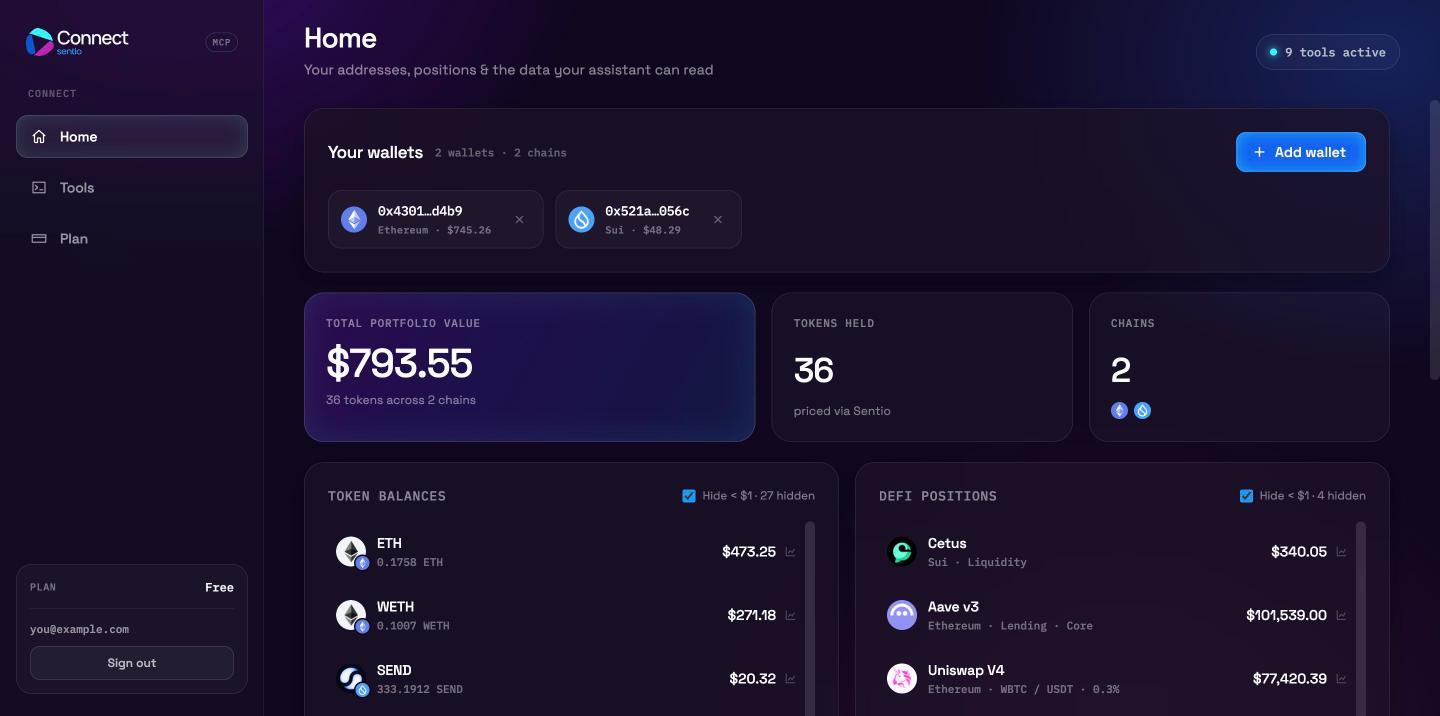
Your wallets
Lists every wallet you track, with its chain and current USD value.
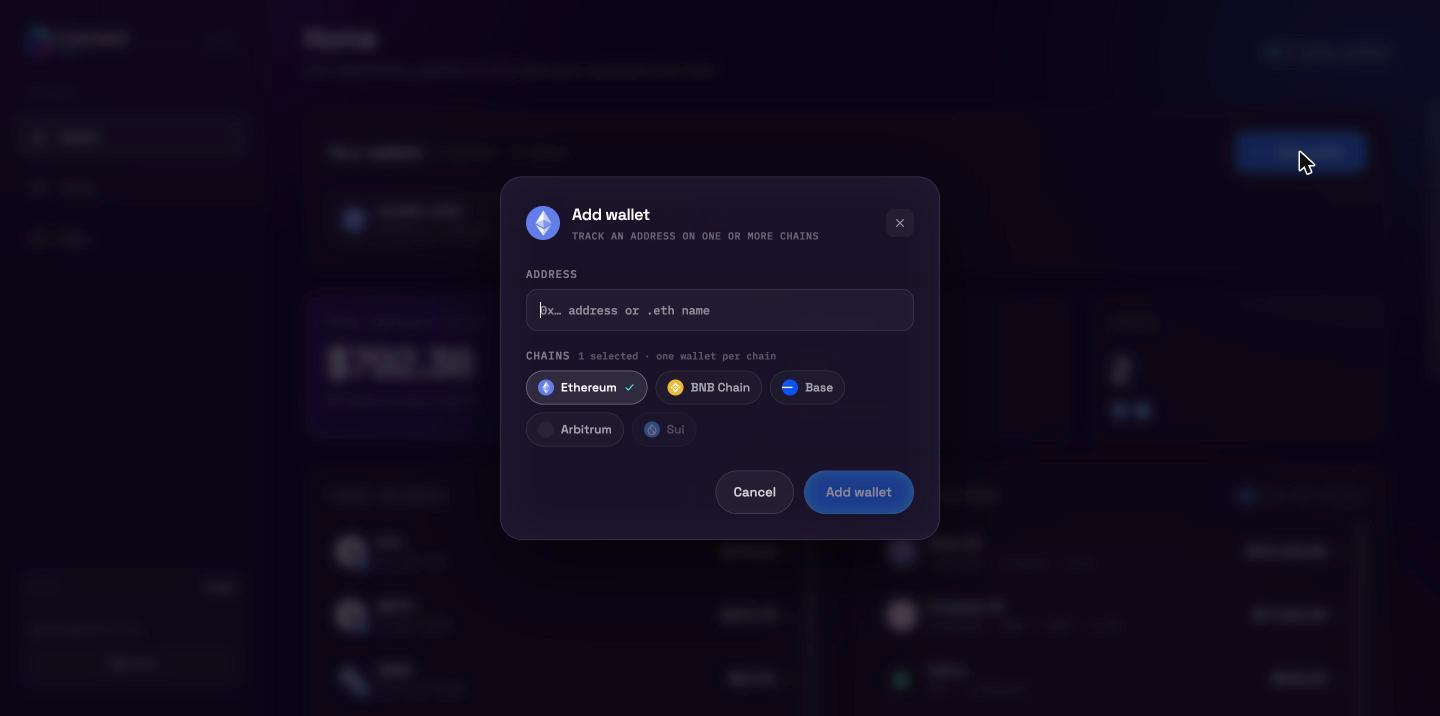
- Add a wallet — click Add wallet, enter a
0x…address, an ENS name (name.eth) or a Sui address, and select one or more chains. An EVM address can be tracked on several EVM chains at once; each (address, chain) pair counts as one wallet. - Remove a wallet — click the × on its chip.
Your assistant can do the same from a conversation with add_wallet_address and remove_wallet_address; changes show up here immediately.
Portfolio summary
- Total portfolio value — the USD value of all token holdings across your tracked wallets.
- Tokens held — the number of distinct token holdings, priced via Sentio.
- Chains — the number of chains your wallets span.
Token balances and DeFi positions
Token balances lists each token you hold with its amount and USD value. DeFi positions lists lending, staking, liquidity and reward positions by protocol (for example Aave v3, Uniswap V4, Cetus, Suilend, NAVI).
Wallet holdings and DeFi positions never overlap, so nothing is counted twice. Select Hide < $1 to hide dust.
Click the chart icon on any row to open its holding history: the value over the last 24h (every 2 hours) or 7d (every 12 hours).
- Token history reprices the balance at each point, so it reflects both balance and price changes.
- DeFi position history shows position size at today's prices, so it reflects deposits, withdrawals, accrued interest and rewards — not price moves.
History is collected for tracked wallets only. After you add a wallet, collection starts within the hour.
Data your assistant can read
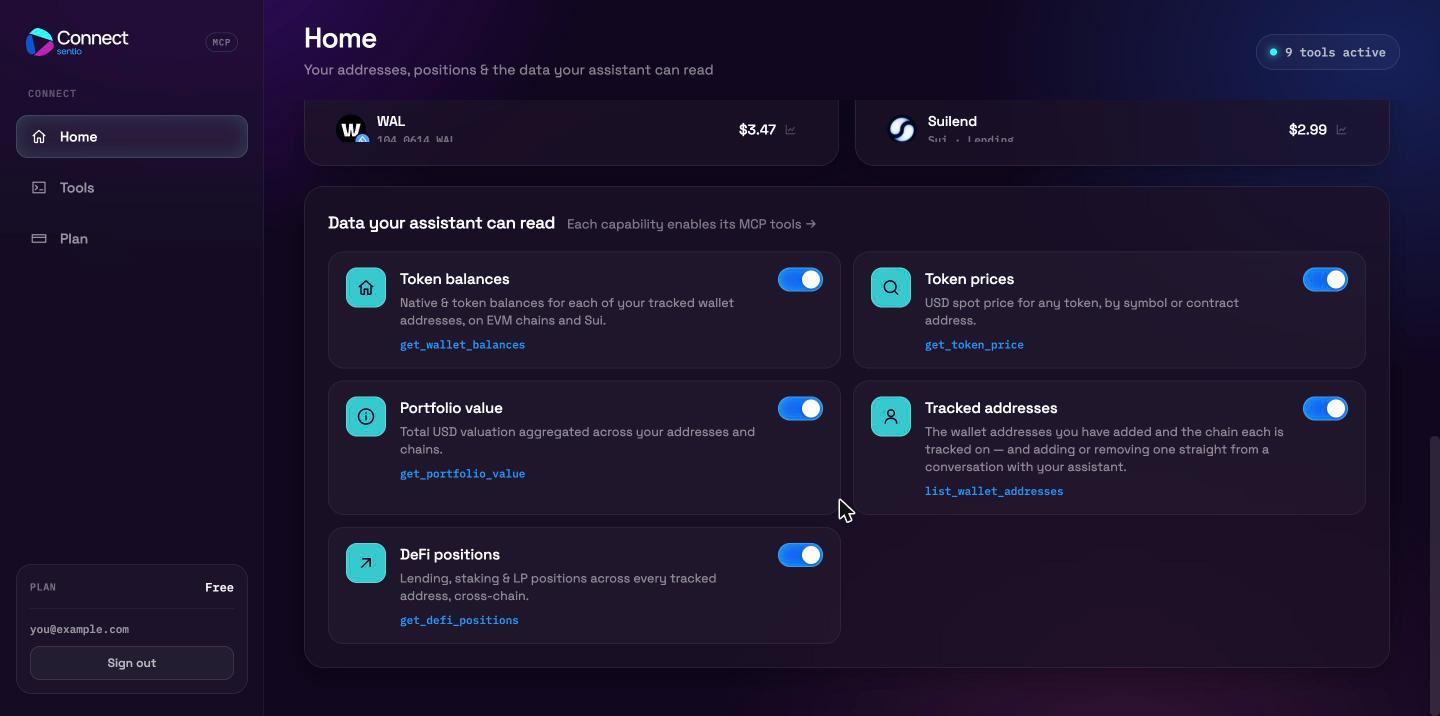
Each card is a capability. Turn a capability off and the tools that depend on it stop working for your assistant: calls are rejected with a "capability disabled" error, and the attempt is recorded in the audit log.
| Capability | Tools it enables |
|---|---|
| Token balances | get_wallet_balances, get_token_balance_history |
| Token prices | get_token_price |
| Portfolio value | get_portfolio_value |
| Tracked addresses | list_wallet_addresses, add_wallet_address, remove_wallet_address |
| DeFi positions | get_defi_positions, get_defi_position_history |
Tools
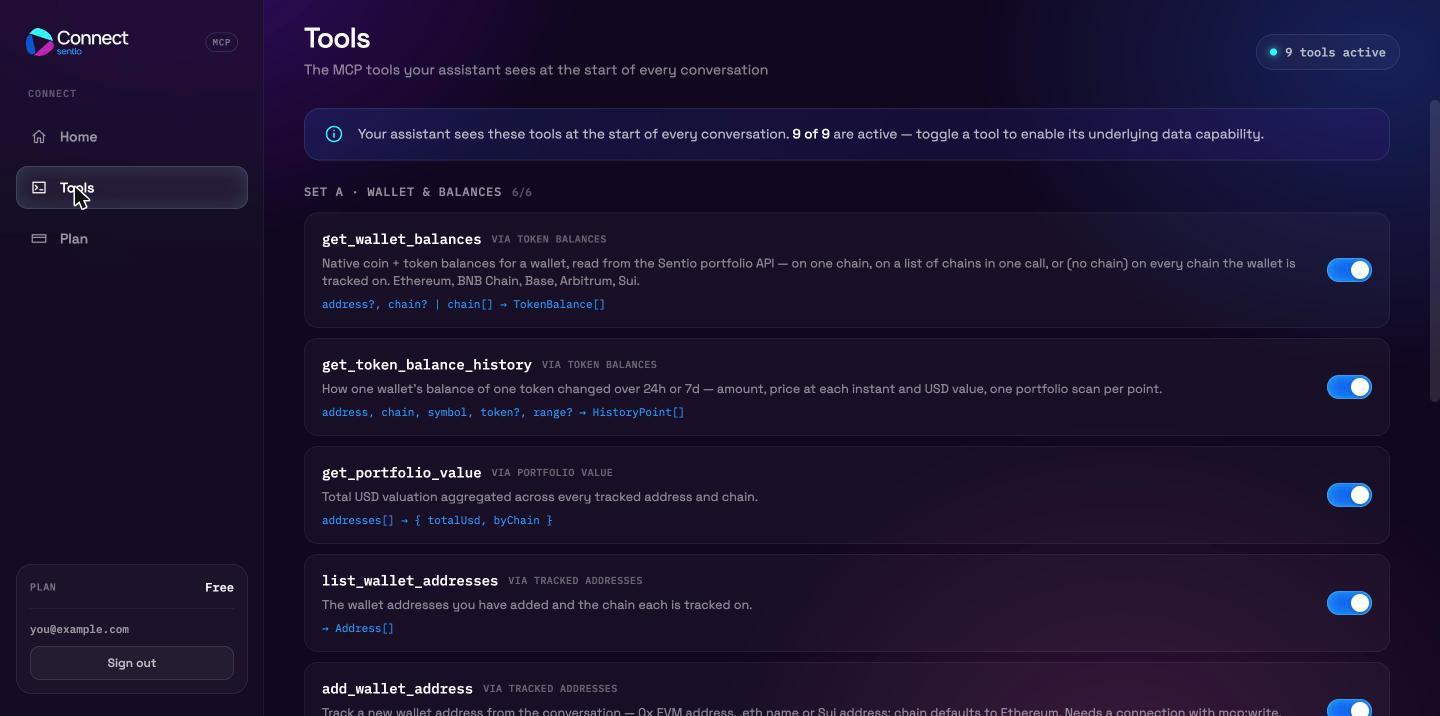
The Tools page lists every MCP tool your assistant sees at the start of a conversation, grouped into sets, with a short description and signature for each. Toggling a tool here toggles its underlying capability, so related tools switch together. See the Tools reference for details.